Discord Rich Presence for Figma
Figma RPC Downloads
Install Figma RPC and automatically show your Figma activity in Discord while you work.
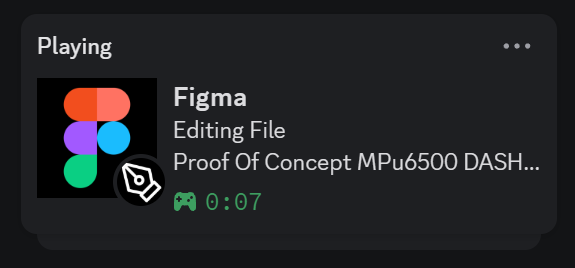
How it looks in Discord
Live Rich Presence while working in a Figma file.
Quick setup
-
Download installer
Pick your operating system and run the downloaded file.
-
Allow OS prompt
If your system warns about an unverified publisher, continue manually.
-
Open Figma and Discord
Keep both apps running and your Rich Presence should update in seconds.
Note: Windows SmartScreen or macOS Gatekeeper may show an unverified publisher warning. This is expected for this unsigned installer.
Need help or found a bug?
Open an issue on GitHub